Zenless Zone Zero: Version 1.5 Maintenance Notice and Pre-Download
This piece will give you information about the maintenance for Zenless Zone Zero Version 1.5 and how you can pre-download the version starting today.
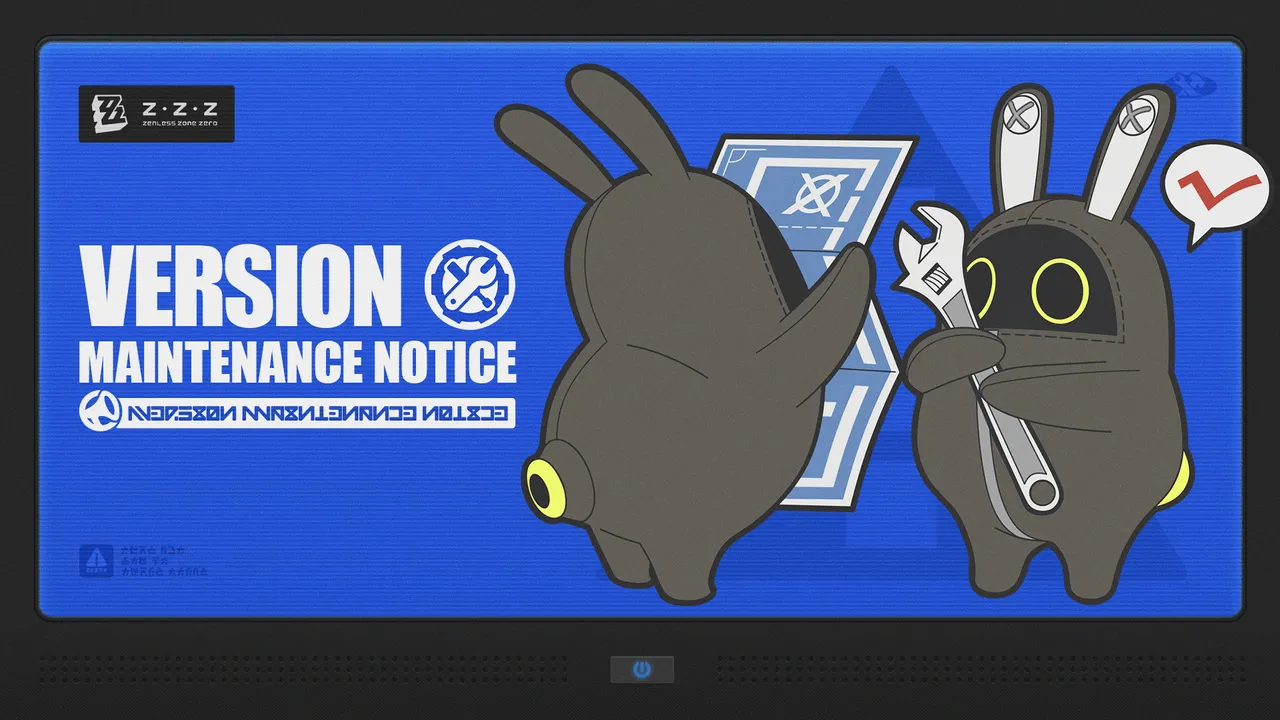
Just today the developers behind Zenless Zone Zero announced the date for their Version 1.5 maintenance. The maintenance will take place this Wednesday, January 22, 2025. It will be similar to previous maintenance and is expected to take roughly 5 hours to complete, during which time you will not be able to log into the game. The new version is expected to require about 9 GB of space on PC and about 4 GB on mobile, so make sure you have enough space before beginning to pre-download. Now then, let’s look at more details surrounding the maintenance and how you can pre-download the new version.
Table of Contents
Version 1.5 Maintenance Date and Time
The Version 1.5 maintenance will begin on January 22, 2025, at 06:00 (UTC+8). The maintenance is estimated to take five hours; however, delays are entirely possible, so make sure to follow the official ZZZ pages for confirmation of when the game is live. During this maintenance, the game will be unavailable, so make sure to complete all of your daily activities before the maintenance starts. And also make sure to log out before the start of the maintenance to avoid losing any data.
Maintenance Compensation
Due to the downtime from the maintenance, the developers behind ZZZ will issue compensation for all players who have reached Inter-Knot Lv. 4 before the start of the maintenance. The compensation will consist of 300 Polychrome, and players can claim it by going to their in-game mail after the update has been completed. The compensation will be available until the end of V1.5, so make sure not to forget it!
How to Pre-Download
After January 20, 2025, at 12:00 (UTC+8), players can begin pre-downloading Zenless Zone Zero Version 1.5. The version will require about 9 GB on PC and 4 GB on mobile devices, so make sure you have at least that much space available. Then follow the steps below for your designated platform.
PC
- Open [HoYoPlay Launcher]
- Click the [Pre-Download] icon next to the [Start Game] button
Mobile
- Open [Zenless Zone Zero]
- Tap the [Pre-Download Resources] icon in the bottom-right corner