
Can You Play Split-Screen in Fortnite?
You can! Split-Screen is available for both Xbox and PlayStation players for the duos and squads Battle Royale game modes. Split-Screen is sadly not supported on PC, Nintendo Switch, or any other platforms besides Xbox and PS at this time.
Advertisement
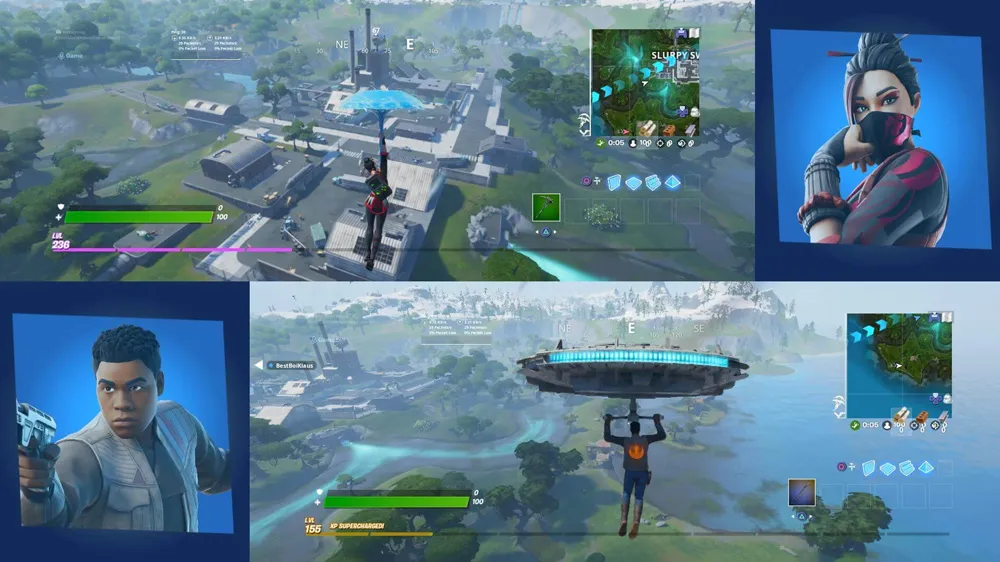
How to Play Split-Screen Fortnite:
- As player 1, navigate to Fortnite's main menu as normal
- Turn on player 2's controller and follow the on-screen prompts to log the second player into the game
- Player 2 should now appear in the game lobby
- Simply join a duos or squads game, and split-screen mode should activate automatically!
Advertisement
Warnings:
If one player disconnects or exits a match, the split-screen session will immediately end. This is not the only limitation you may encounter. Both players are required to have the same language settings selected to play split-screen. Both players also require controllers, meaning split-screen cannot be activated by linking a mouse and keyboard set up to your console.
Besides these limitations and a short outage for split-screen during November 2023, the mode continues to receive support and should be fully playable in Battle Royale for console users by following the steps in this guide. Good luck!
Advertisement