How To Get Your Fortnite Wrapped 2024
Here's a quick guide that will teach you how to get your Fortnite Wrapped for 2024.

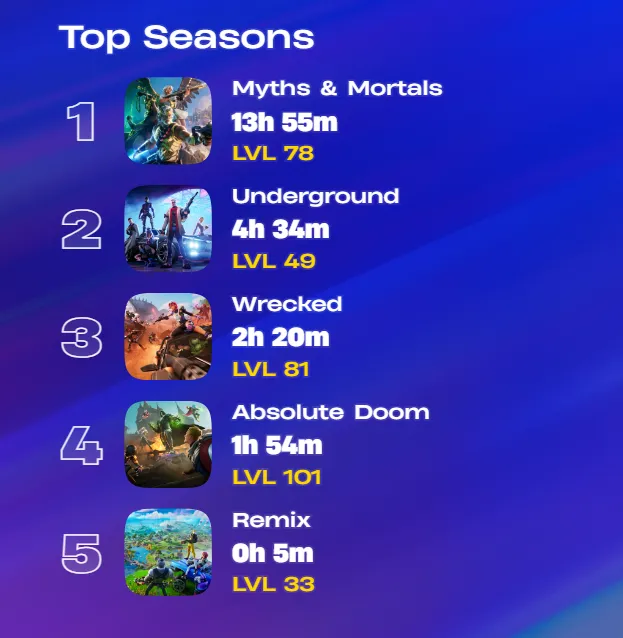
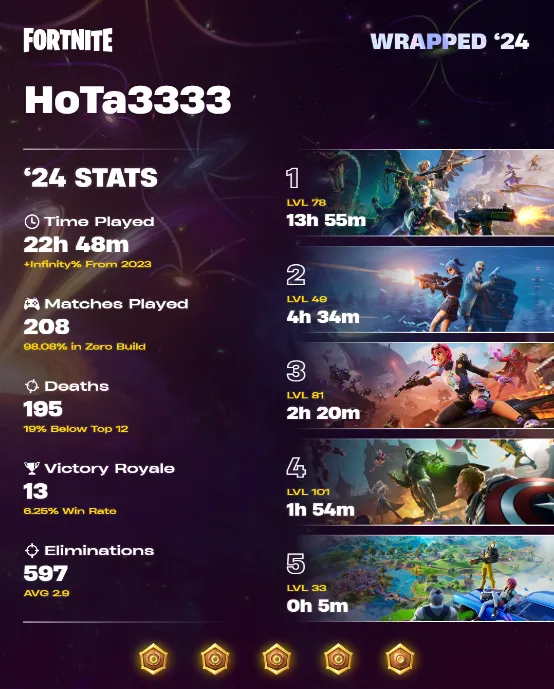
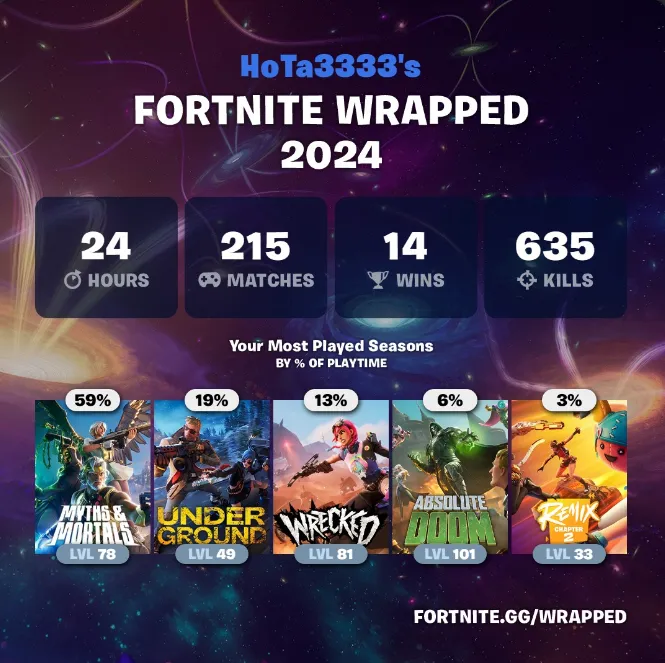
Every year as the year comes to a close, Fortnite fans are treated to Fortnite Wrapped, a special summary that highlights each player's gaming achievements and stats for the year. For 2024, Fortnite Wrapped showcases exciting details such as total hours played, number of wins, players defeated, total games played, and even your most-played Fortnite season based on time spent.
Fortnite Wrapped is a fun and personalized way to reflect on your year in Fortnite. Each player receives a unique card displaying their accomplishments and stats. However, it’s important to note that Epic Games does not provide this service. Instead, it’s offered by third-party platforms like FN Zone and fortnite.gg.
Table of Contents
How to Get Your Fortnite Wrapped 2024
There are two ways to get your Fortnite Wrapped this year. Follow the steps below to access your personalized stats:
Method 1: Using the FN Zone Website
- Visit the FN Zone website.
- Enter your Epic Games username in the search bar.
- If your username is correct, your 2024 stats will appear.
- Download and share your Fortnite Wrapped with friends!
While this year doesn’t include customization options like cards or emojis, FN Zone provides even more detailed stats than before.
Method 2: Using the Fortnite.gg Website
- Go to fortnite.gg.
- Click on the Stats menu in the top-right corner.
- Enter your Epic Games username in the search bar.
- Download and share your Fortnite Wrapped with others!
Why Isn’t My Fortnite Wrapped Showing?
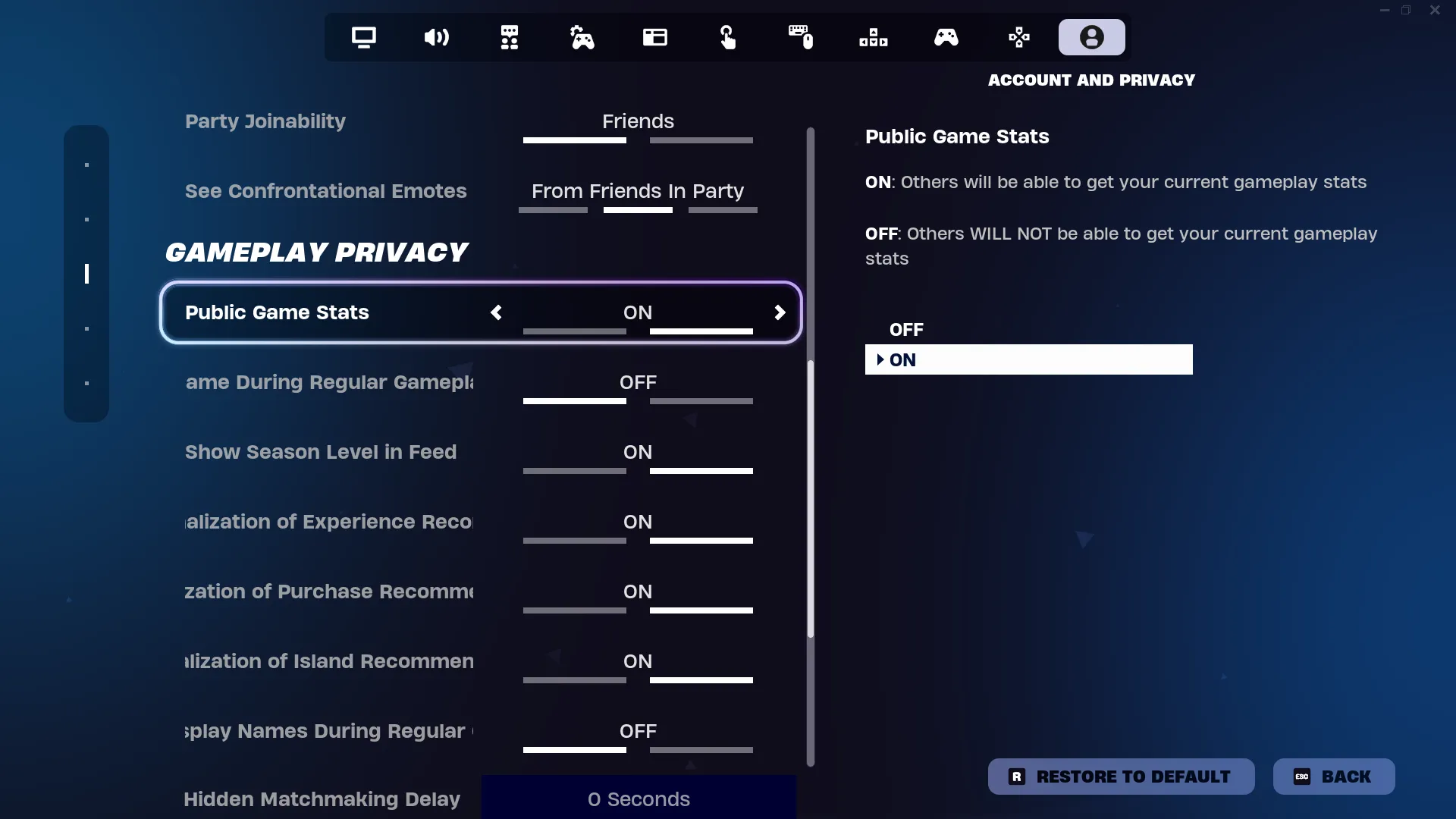
If your Fortnite Wrapped isn’t showing or says your username doesn’t exist, it’s likely because your profile is set to private. To fix this, you’ll need to make your stats public. Here’s how:
- Open Fortnite.
- Press Escape and go to Options.
- Navigate to the Account and Privacy tab.
- Scroll down to Gameplay Privacy and turn Public Game Stats to ON.
That wraps up our guide on how to access your Fortnite Wrapped 2024. Try out both methods and choose the one you prefer. Reflect on your achievements, share your stats, and relive your best Fortnite moments from the past year. For more Fortnite news, tips, and guides, explore the rest of our website
- How to Complete Every Wintervestigation Quest in Fortnite
- How to Complete Every Week 2 Quest in Fortnite Chapter 6 Season 1
- How to Complete Every Week 1 Quest in Fortnite Chapter 6 Season 1
- What are Demons and Where to Find them in Fortnite Chapter 6 Season 1
- Fortnite 'Jade & the Mask' Story Quests Guide - Chapter 6 Season 1
- Fortnite Complete 'Kendo's Calling' Quests Guide - Chapter 6 Season 1
-
How to Defeat Shogun X Boss in Fortnite - Location, Loot and Tips
- How to Defeat the Night Rose Boss in Fortnite Chapter 6 Season 1
- How to Complete Every Week 0 Quest in Fortnite Chapter 6 Season 1